Clear Thinking for Better PC Decisions
The PC.blog explains the hardware choices, settings, and tradeoffs that shape everyday computing.
We focus on useful context so you can choose, maintain, and use a computer with fewer surprises.

Choose the Right Place to Start
Read by device type, broader PC topics, or practical fixes for everyday problems.

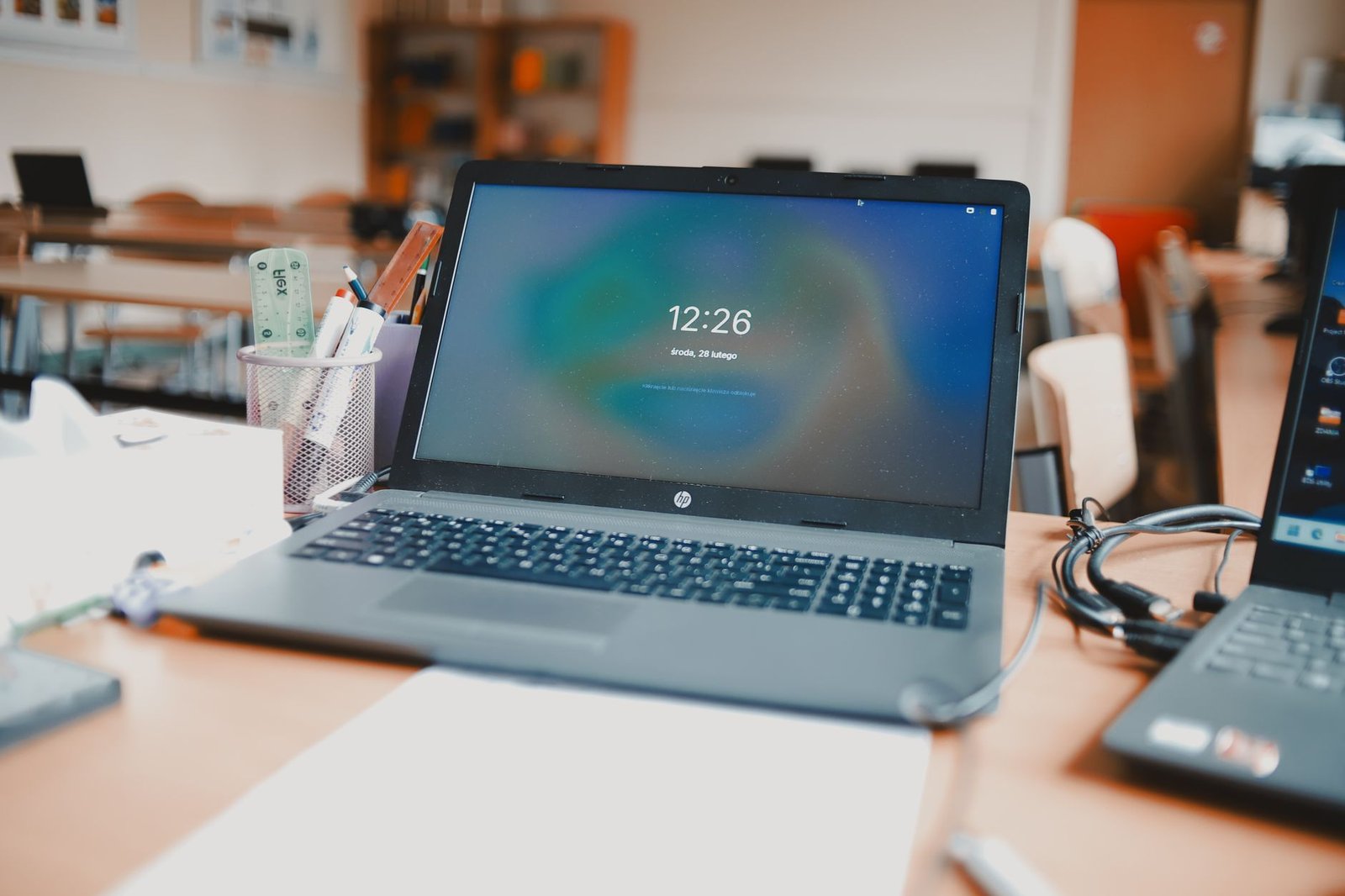
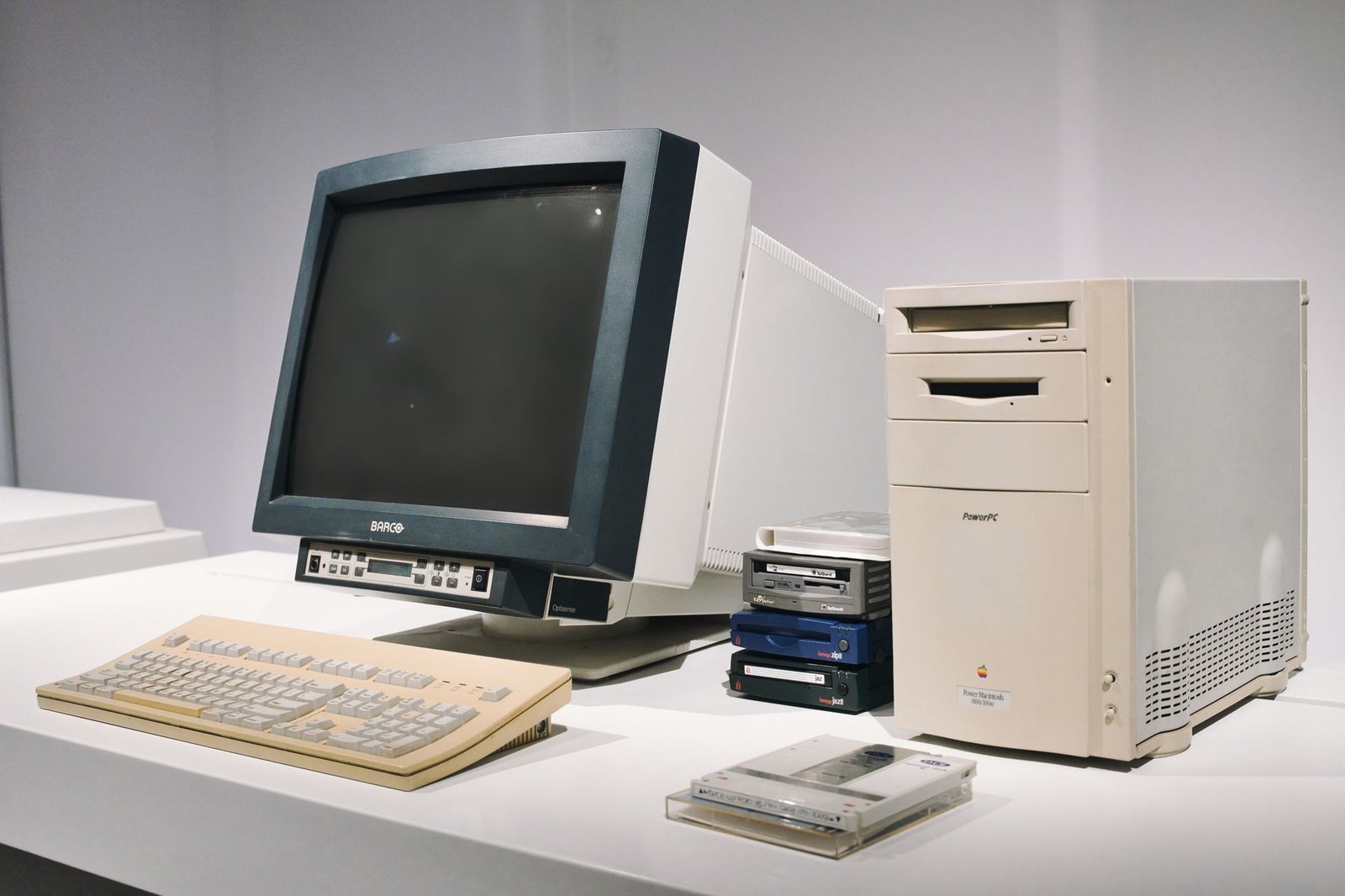

Latest Articles Worth Your Time
Recent reporting and practical analysis on computers, components, software, and ownership.
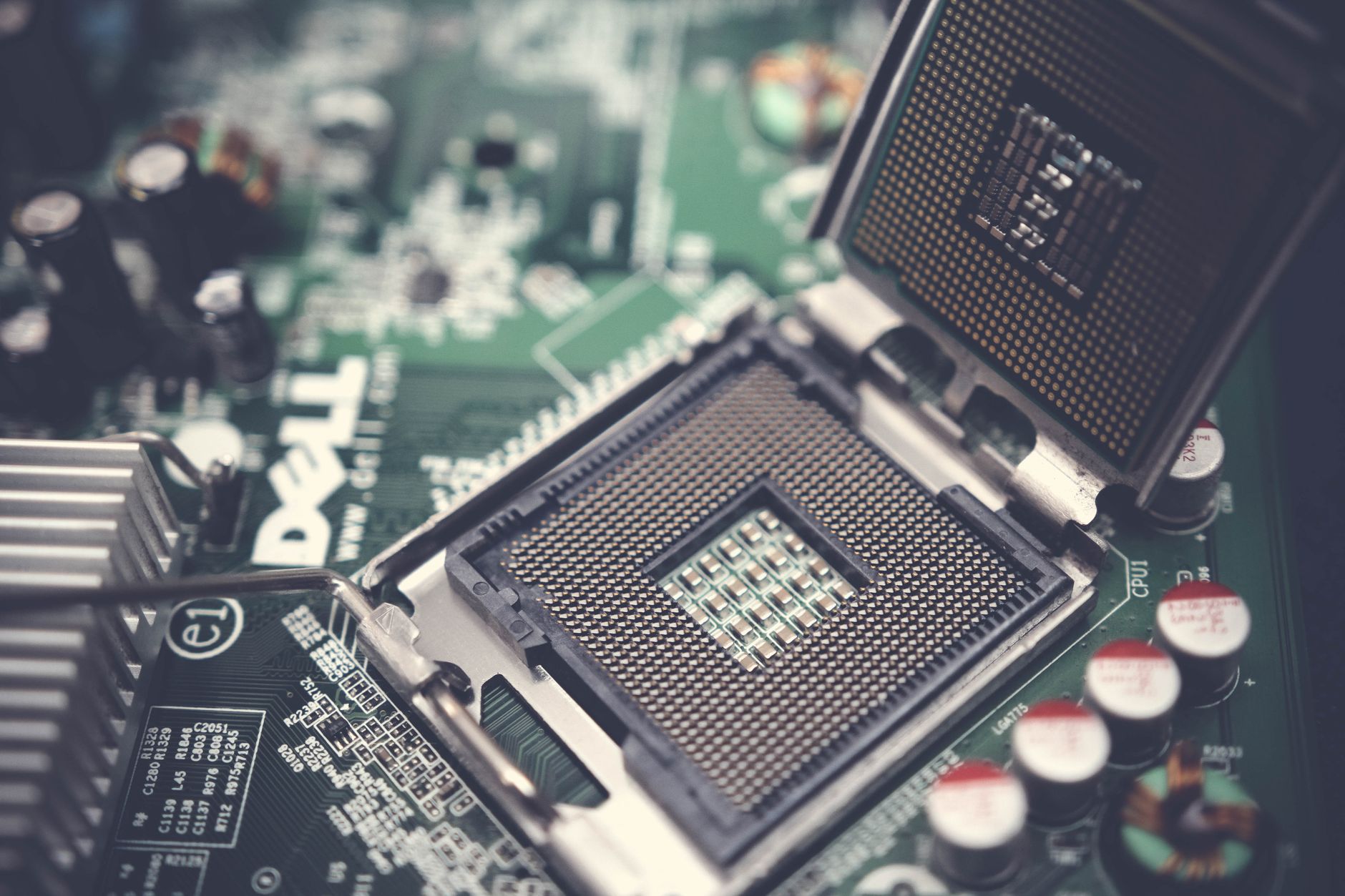
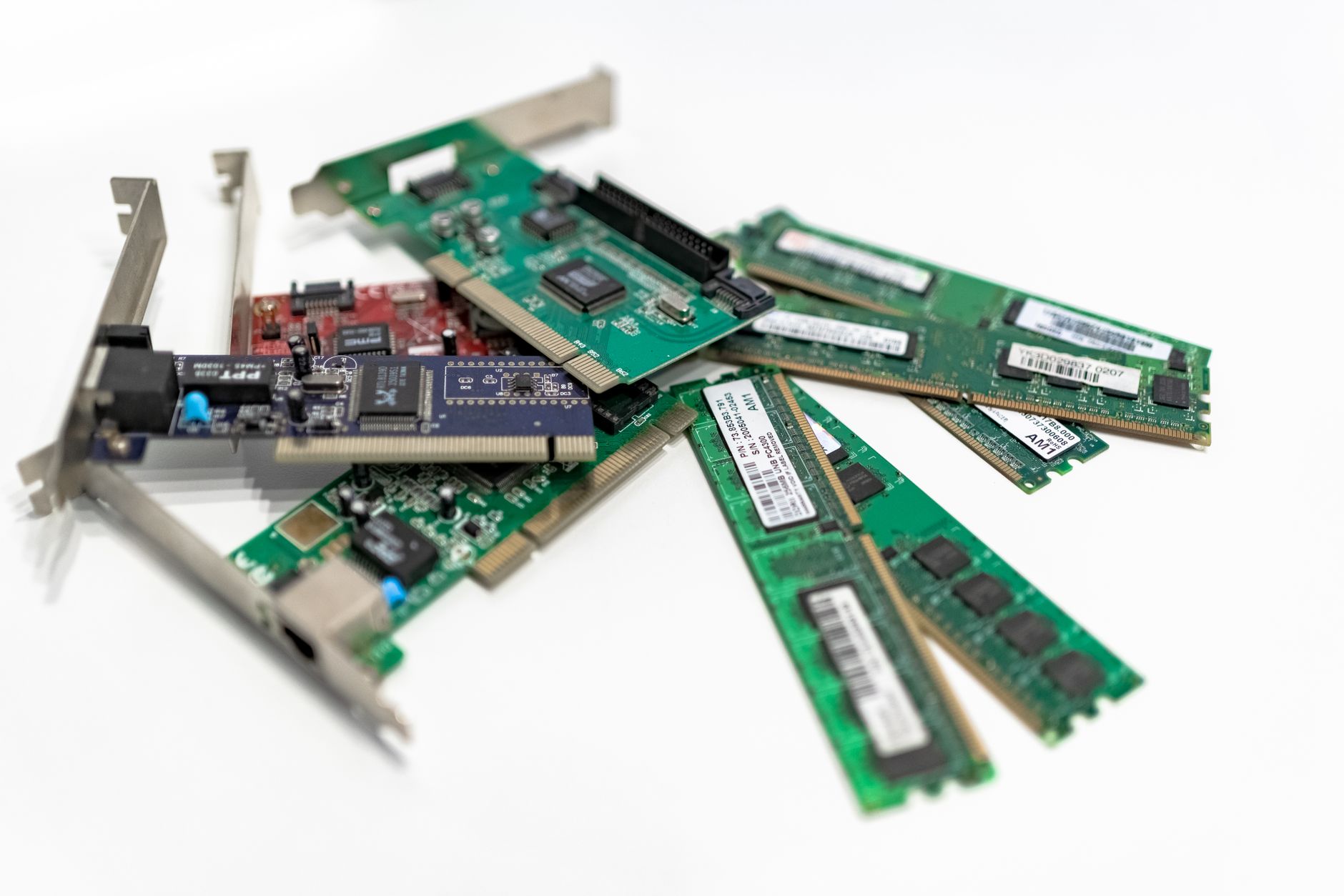
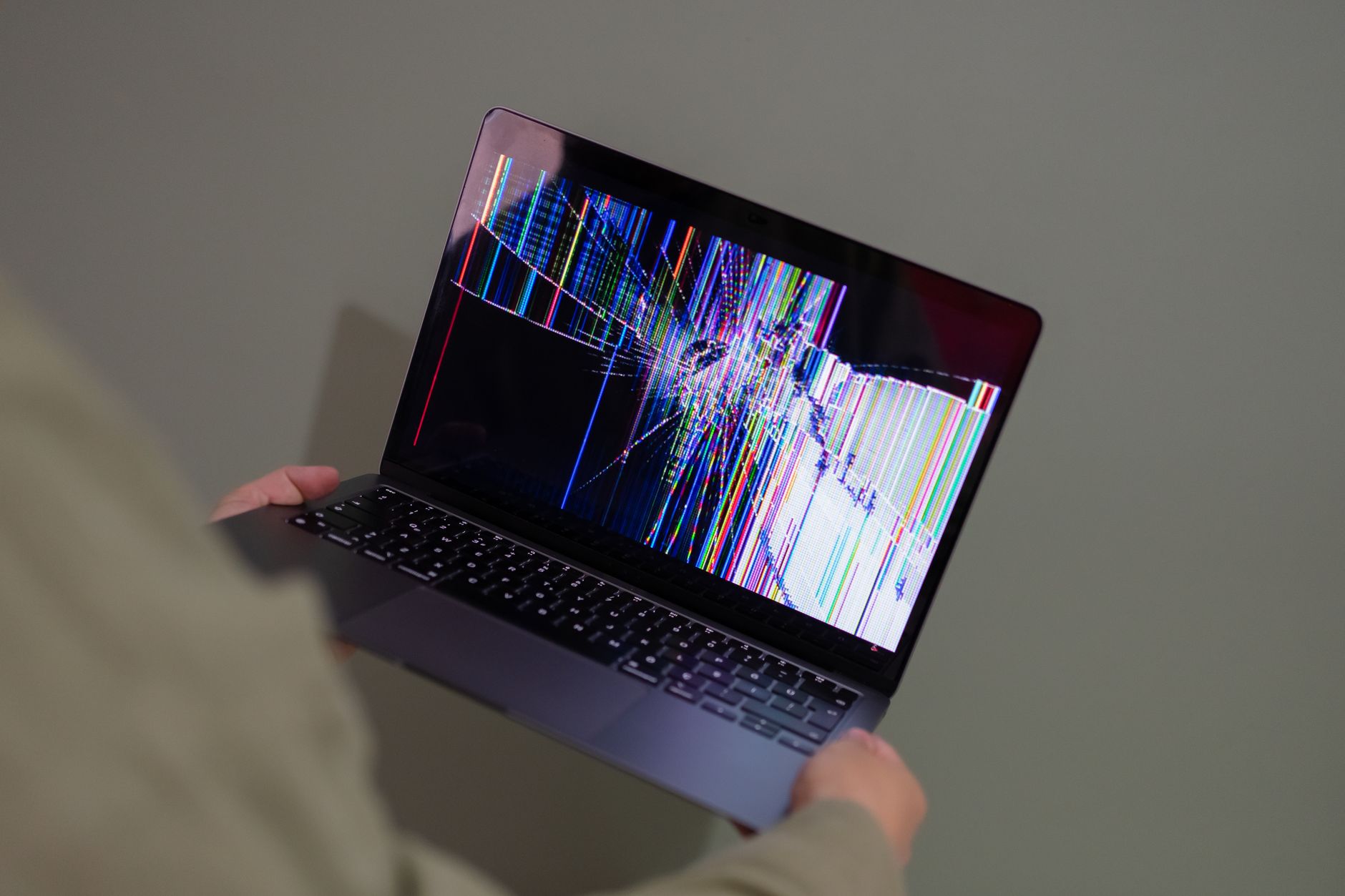
Signals That Matter in Everyday Computing
A short reading row for the details that often matter more than a headline specification.
Sustained Performance
Short benchmark peaks do not show how a system behaves through a long workload or warm room.
Memory Headroom
Enough memory reduces slowdowns when browsers, calls, documents, and background tasks run together.
Port Selection
The right ports can remove dongles, simplify a desk, and determine whether existing displays still fit.
Repair and Upgrade Access
Accessible storage, memory, batteries, and fans can change the useful life and ownership cost of a machine.
Why Trust The PC.blog
Our editorial approach puts useful evidence, clear limits, and reader needs ahead of easy conclusions.
Tradeoffs Stay Visible
We explain what a choice improves, what it gives up, and which readers are most likely to notice.
Evidence Gets Context
Specifications and test results are connected to real workloads instead of treated as answers on their own.
Uncertainty Is Stated
When results depend on configuration, software, workload, or future updates, we say so directly.
A Quick PC Format Comparison
The best format depends on where the computer lives, how often it moves, and what may need to change later.
| Format | Strong Fit | Main Tradeoff |
|---|---|---|
| Desktop | Upgrades, sustained workloads, flexible displays | Needs dedicated space and separate peripherals |
| Laptop | Portable work, study, and shared spaces | Fewer upgrades and tighter thermal limits |
| Mini PC | Compact desks, media use, and routine tasks | Expansion and high-load cooling can be limited |
Practical Ways to Make a PC Last
A few steady habits can prevent avoidable slowdowns, heat problems, and data loss.
Keep Air Paths Clear
Leave room around vents and remove dust carefully before heat leads to noise or reduced performance.
Protect Important Files
Keep a separate backup and confirm that important folders can actually be restored when needed.
Change One Thing at a Time
When troubleshooting, single changes make causes easier to identify and failed fixes easier to reverse.
Read More Thoughtful PC Coverage
Browse our latest reporting, practical explanations, comparisons, and troubleshooting advice in one place.